Hue · Executive assistant

Your morning, sorted.
Before you open the inbox.

Hue sorts what came in, drafts the replies in your voice, prepares your meetings from your own records and proposes the times. Nothing goes out until you say yes.

Briefing · Tue 7:30Set by Marc

Good morning, Marc

23 new since yesterday · 2 need you today · 5 can wait · 9 for your information · 7 newsletters

  1. 7:02Needs youPriya Shah asks to move Thursday’s installApproved
  2. 6:48Needs you todayLakeshore Foods: “Is the quote still good?”Waiting for you
  3. 10:00MeetingBayview Market · walk-in cooler serviceBrief ready
  4. TodayFollow-upCall Harbour Deli back about the depositDue

Hue is an AI. It drafted these from your records and your sent mail; you approve before anything leaves.

Management · Executive assistant · your team

Your team: five seats, one job.

The same five seats run every module, so every report reads the same way. You approve what goes out.

  1. 01 · Lead

    Assistant lead

    Plans your week from your calendar and inbox

  2. 02 · Analyst

    Calendar analyst

    Finds conflicts and the time you need

  3. 03 · Makers

    Inbox drafter, meeting briefer, scheduler

    Draft replies, prepare meeting briefs and propose times

  4. 04 · Reviewer

    Tone check

    Checks every draft before you see it

  5. 05 · Operator

    Operator

    Sends nothing: you send

Across every module

  • Chief of staff (Hue) Reads every Lead’s plan, settles conflicts between modules and writes the one-page 7 AM brief
  • Head of analytics One attribution truth, to the paid invoice, that every Analyst reads
  • Compliance officer Consent, anti-spam rules, claims and voice policy; can veto any Reviewer’s pass

What you get each month

Loops that close, counted every month.

One module includes its team and 500 tasks a month, pooled across everything you buy. A task is one finished item; heavier items count for more.

  • Inbox to done

    Counted
    replies drafted
    Judged on
    time back each week (an estimate)
  • Meetings and follow-ups

    Counted
    meetings briefed
    Judged on
    follow-ups kept on the day

Beyond the pool, packs of extra tasks under a monthly cap you set. We never promise a result: these are the measures we report against.

The problem

“The first two hours of my day
go to the inbox.”

Everything looks urgent.

A supplier’s newsletter sits between a customer’s complaint and an unpaid invoice, so you read all of it to find the one that matters.

Every reply waits for you.

The team can’t answer for you, so the questions pile up until the evening, and the customer waits a day.

You walk into meetings cold.

Who is this, what did we quote them, did they pay the last invoice? The answers are in four tools and nobody pulled them.

How the assistant works

  1. 01Agent

    Sort

    What came in is sorted into needs you today, can wait, FYI, newsletters and ignore, with the reason beside each: a customer’s tier, an open quote, a late payment, a name you know.

  2. 02Agent

    Draft

    Replies are drafted in your voice, from your own records and the way you write. You edit, approve or drop each one.

  3. 03Agent

    Prepare

    Before each meeting, one brief: who they are, the history, open quotes and invoices, and the last messages both ways.

  4. 04Agent

    Book and remind

    Times proposed from your calendar, booked after your OK. Follow-ups come back on the day, and the briefing arrives at the time you set.

What you see

01

Sorted, with the reason.

Each message says why it is where it is. The departments keep answering what they already answer; the assistant puts in front of you only what needs you, and folds the rest into FYI.

FromWhat it isSorted as
Priya Shah · Northline GrocersMove Thursday’s install to Friday?Can waitGold account · job booked Thursday
Lakeshore FoodsIs the quote still good?Needs you todayOpen quote Q-2026-0142, expires Friday
Harbour DeliDeposit sent?Needs you todayInvoice 14 days late
Your bankMonthly statement readyFYINo reply needed
A supplierNovember price listFYIFiled with the price book
The morning’s inbox, sorted, with the reason for each line. Sample data: ACME Field Services, a sample company with invented data.

02

Your reply, in your voice.

The draft is written from the record (the job, the quote, the calendar) and from how you write. It shows what it was written from. You approve it and it goes out from your mailbox.

Priya Shah · 7:02

Thursday’s install

Hi Marc, Our delivery moved. Could your team come Friday instead of Thursday? Priya

Draft · in your voice

Re: Thursday’s install

Hi Priya, No problem. Friday works: the crew can be there at 8:00, same as planned. I’ve moved the job and you’ll get the confirmation today. Marc

Written from: job J-0419, Friday’s crew calendar, your last 20 replies to Northline

Approved · sent from your mailbox

A reply drafted for the owner, approved before it was sent. Sample data: ACME Field Services, a sample company with invented data.

03

A brief before every meeting.

Pulled from the one record (Know): the people, the history, what is open, the last messages. Times are proposed from your calendar and booked only after your OK.

Bayview Market · 10:00 · walk-in cooler service

Who
Dana Wu, store manager. Met twice; prefers phone.
History
Customer since 2024 · 6 jobs · last visit in August
Open
Quote Q-2026-0139 sent Oct 30 · invoice INV-2026-0301 paid
Last messages
Nov 10, Dana: “The left unit is noisy again.” Your reply: “We’ll bring the part.”

Next visit · proposed from your calendar

  1. Thu14:00Booked
  2. Fri9:30Released
The brief for one meeting, and the follow-up visit booked after a yes. Sample data: ACME Field Services, a sample company with invented data.

Also in the assistant

A daily briefing, at your time

Each person sets the hour. What needs them, today’s meetings with their briefs, the follow-ups due.

Follow-up reminders

Ask for one on any message or meeting (“remind me Friday if they don’t answer”) and it comes back on the day.

Hand it off

Turn a message into a Studio request (the reply, drafted there from your records) or a task in Tasks & docs, with the message attached and a person named.

For the owner and the staff

Each person gets their own briefing and drafts from their own mailbox. Roles decide who sees what.

Price

The assistant is part of Hue Pro, with Hue on your site, and of every step above it.

Hue ProEarly access

The assistant is included

$350 a month, month to month

  • Your own inbox sorted, with your consent: today, can wait, FYI, newsletters, ignore
  • Reply drafts in your voice, approved before they go
  • A brief before every meeting, from your records
  • Times proposed and booked on your calendar after your OK
  • Follow-up reminders and a daily briefing at your time
Early access: reading and sending from your Gmail or Outlook switches on after Google’s and Microsoft’s app approval, per company. Until then the assistant sorts what reaches Humonix, drafts, and you send.

Also in every module, in Head of Digital ($6,000 a month, all six departments and a person on call) and in Enterprise.

In Business in a box, the Executive assistant is a module of Management, run by its own team: One module (Executive assistant) · $350/mo, the Management department (both modules) · $600/mo, all of Business in a box · $3,000/mo, or with Head of Digital, agents · $5,000/mo. Management, in Business in a box

Start with the assistant

Tell us what eats your mornings. We write back with the next step and a time to show you the assistant on your own records.

Rather talk first? Book a 30-minute call.

We use these details to answer your request and keep a record of it, and we look up public business information about your company. Some of our service providers are outside Québec, including in the United States. You can access, correct or ask us to delete your information at any time. Details are in our privacy policy.

Questions

Does it send anything on its own?

No. Every reply, every booking and every message to someone else waits for your yes. You can edit any draft before you approve it.

Does it say it is an AI?

Yes. Hue says it is an AI on every channel. A reply you approve goes out as your own message, from your own mailbox.

Does it read all of our email?

Only the mailbox each person connects, and only to sort and draft. Reading and sending from Gmail or Outlook switches on per company after Google’s and Microsoft’s app approval; until then it works on what reaches Humonix and you send.

Which calendars?

The calendar you connect, or your Cal.com. It proposes times from your free slots and books only after you approve.

Can my team use it?

Yes. Each person has their own briefing at their own time and drafts from their own mailbox; roles decide who sees which records.

Can it be wrong?

Yes. That is why every draft shows what it was written from, and nothing leaves before a person approves it.

Where is our data?

Hosted in North America, close to you: Toronto by default, with your own US instance on request. Your mail and records never train a model.

Start with tomorrow morning.

Connect a mailbox and a calendar, set the time of your briefing, and read the first one with us.

Humonix Academy

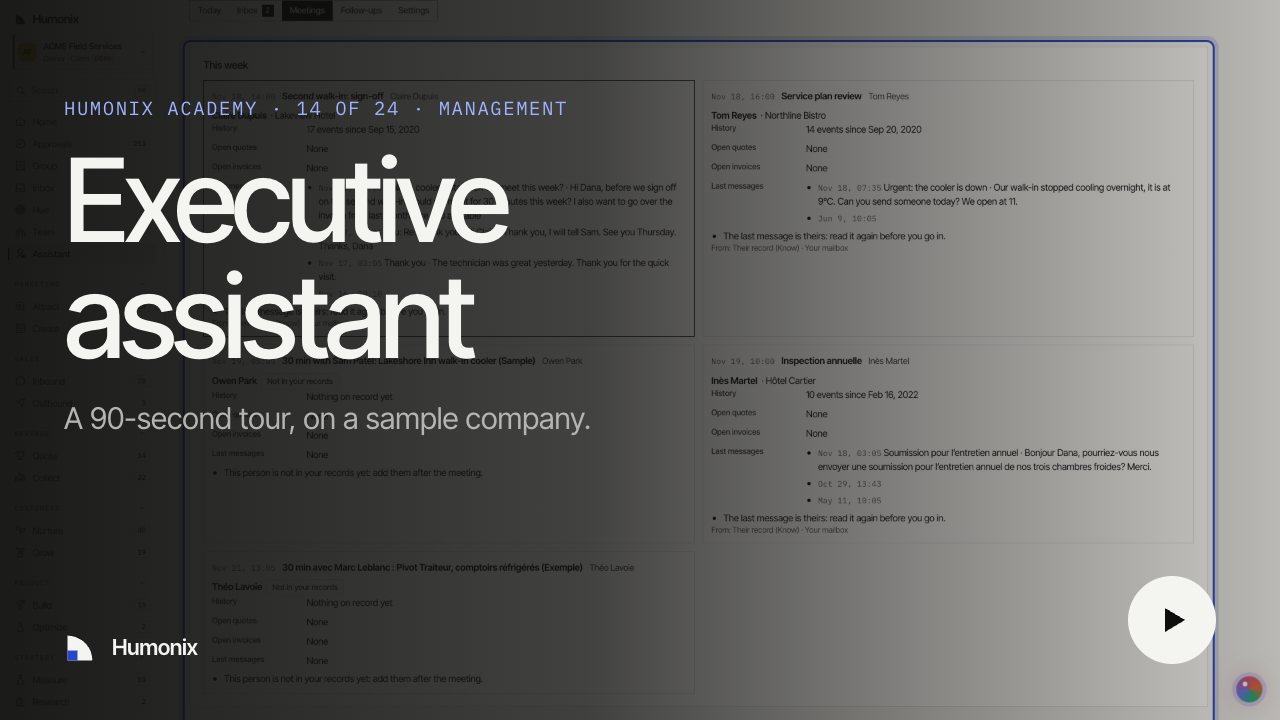
Watch it in 90 seconds

A short video on a sample company, with captions and a transcript: the job, what runs on its own and what waits for your yes.