Sales · Outbound module

New conversations.
From your own mailbox.

A list with a reason for every company, a short sequence for each, every campaign approved before it starts. A reply stops every step for that company.

Campaign · Ontario grocersApproved by Marc

Northline Grocers

Why: hiring a facilities manager

Source: Outbound module signal

  1. Day 0EmailWalk-in coolers before the cold seasonSent from your mailbox
  2. Day 4EmailA short follow-upStopped
  3. Day 8CallCall Priya with the notesStopped

Reply · Tue 11:20Interested

“Can you call Thursday?”

Priya Shah, store operations

Every step for Northline Grocers stopped. The reply is in your Inbox, with what was sent.

The problem

“We know who to sell to.
Nobody has time to write.”

The list has no reasons.

A spreadsheet of names, and nobody remembers why a company is on it, so every message says the same thing.

Blasting burns the domain.

Fast bulk sends from new addresses land in spam, and the next real email lands there too.

The reply comes in. The sequence keeps going.

The person who wrote “call me Thursday” gets the next follow-up anyway.

How the Outbound module works

  1. 01Agent

    List

    Companies that fit, from your list or the Outbound module’s warm accounts, each with the reason it was picked and one person to write to.

    Company + reason

  2. 02Agent

    Write

    You write the sequence once: email, LinkedIn and call steps, with their waits. Each draft is filled from that company’s own facts.

    Sequence draft

  3. 03You

    Approve

    You approve the campaign. Nothing goes before that; add companies later and it waits for your yes again. Pause any time.

    Your yes

  4. 04Agent

    Send, then stop

    From your own mailbox at a safe daily pace, an unsubscribe on every email. A reply stops every step for that company.

    A reply stops it

What you see

01

Every company, with the reason.

From your list or from the accounts the Outbound module warmed up, with the signal that put them there. One sequence per company at a time, and whoever is left out stays on screen, with why.

CompanyWhy it is hereState
Northline GrocersHiring a facilities managerDemand signalsIn the campaign
Lakeshore FoodsOpened a second locationDemand signalsIn the campaign
Bayview MarketTwo blocks from a customerYour listCalls and LinkedIn only: Canadian contact, no consent evidence for email
Harbour DeliYour listLeft out: unsubscribed in August
Eastgate FoodsYour listLeft out: already in another campaign
The audience of a campaign, with the reason and the source of each company. Sample data: ACME Field Services, a sample company with invented data.

02

The template beside the draft.

You write the words once. Each draft is filled from that company’s facts, and shows what it was written from and what was missing, so a gap is visible before anything is approved.

Template · step 1

{company} before the cold season

Hi {firstName}, I saw {company} is {reason}. When a new facilities lead starts, the coolers are usually first on the list. Would 15 minutes help? {sender}

Draft · Northline Grocers

Northline Grocers before the cold season

Hi Priya, I saw Northline Grocers is hiring a facilities manager. When a new facilities lead starts, the coolers are usually first on the list. Would 15 minutes help? Marc, ACME Field Services

ACME Field Services · Toronto · Unsubscribe

Written from: first name, company, reason · Missing: none

Step 1 of a campaign: the template, and the draft for one company. Sample data: ACME Field Services, a sample company with invented data.

03

Six checks before any email leaves.

If one fails, the email waits, and the screen says which one. Call and LinkedIn steps are tasks for your team; only email is sent for you.

  1. The campaign is approved as it is nowCompanies added later wait for a new yes
  2. Your sender block and an unsubscribe linkIn the footer and in the email’s unsubscribe header
  3. Not on your do-not-email listOpt-outs, bounces and unsubscribes, kept for good
  4. Canada’s anti-spam lawA Canadian contact gets email only with consent evidence on record
  5. Within the daily paceThe campaign’s cap and each mailbox’s warm-up
  6. Replies read in the last hourBefore any follow-up, so nobody gets one after they answered

Ready to send from your mailbox

The checks for the first email of a campaign. Sample data: ACME Field Services, a sample company with invented data.

Sales · Outbound · what’s inside

Nine features, one module.

4 live, 5 in early access, 0 coming. Open a card for what it does and what it connects to.

  • LiveTarget accounts

    From your list, your CRM or the Humonix company graph, picked by your ideal customer.

    Connects to Humonix company graphSpreadsheet importHubSpot

  • LiveSignals and scoring

    Public signals on each account (site changes, hiring) scored 0 to 100 with the reason, from cold to ready.

    Connects to Humonix company graph

  • LiveReady-account hand-off

    The day an account turns ready, it lands on Ready to call: why now (its signals), what to say, and one step into a sequence.

    Runs inside Humonix, nothing to connect.

  • Early accessSequences from your mailbox

    Email, LinkedIn and call steps drafted per contact; each campaign approved, then sent from your own mailbox at a safe pace.

    Connects to GmailOutlook

  • Early accessSending through Instantly

    Approved campaigns sent through your own Instantly inboxes, with your postal address on every message.

    Connects to Instantly

  • Early accessLinkedIn tasks

    LinkedIn steps handed to a rep as tasks with the note drafted; Humonix never acts on LinkedIn for you.

    Runs inside Humonix, nothing to connect.

  • Early accessRep call queue

    Who to call, why now and what to say; click to call from your number, then a summary. No AI cold calls.

    Connects to Twilio (your number)

  • Early accessReply sorting

    Replies sorted (interested, later, no, wrong person); any reply stops every step for that company.

    Connects to GmailOutlook

  • LiveAnti-spam guard

    Canadian contacts get email only where their company published the address; an opt-out stops the address and the domain.

    Runs inside Humonix, nothing to connect.

Live: works today. Early access: built, switched on for you after a setup step or a provider’s review. Coming: planned, never sold as working. Anything that goes out waits for your approval.

Sales · Outbound · in the app

Open it the way a client does.

The Humonix app with sample data, opened on this page’s pane. Switch modules in the sidebar, open a draft, approve or decline it: everything works here and nothing is sent or saved.

HumonixACME Field ServicesSample data
Home: the week in numbers and what waits for you. Click a module in the sidebar, under its department, to open its view. Sample data · ACME Field Services, an invented company.

In the loop

Outbound comes after Inbound.

The Outbound module warms up the accounts and writes to them; the Inbound module catches the people who come to you. Every yes moves on to Deliver (Convert, then Operate) in the same record; anyone not ready yet goes to Nurture, in Keep, and comes back when they are.

Before Inbound

After Quote

04 / 08Outbound
  1. 01AttractMarketing
  2. 02CreateMarketing
  3. 03InboundSales
  4. 04OutboundSales
  5. 05QuoteRevenue
  6. 06CollectRevenue
  7. 07NurtureCustomers
  8. 08GrowCustomers
  9. 09BuildProduct
  10. 10OptimizeProduct
  11. 11MeasureStrategy
  12. 12ResearchStrategy
See the whole loop

Price

The Outbound module (demand signals and sequences) is part of the Sales department, with the Inbound module: one module on its own, run by agents with you approving each campaign, all six departments in Head of Digital (agents), run by agents, or in Head of Digital with a person on call. Set up with you, then run every week.

Sales · Outbound moduleEarly access

One module: Outbound, month to month

$350 a month

All six departments, run by agents that feed each other: Head of Digital (agents), $3,000 a month, month to month.

With a person on call: Head of Digital, $6,000 a month, + $2,500 setup, once, waived with a 12-month commitment. 3-month minimum, then month to month.

  • A list with a reason for every company
  • Sequences across email, LinkedIn and calls
  • Drafts per company, approved by campaign
  • Replies read and sorted; a reply stops the sequence
  • Bounces, spam reports and mailbox health watched every day

Early access: sending from your Gmail or Outlook switches on after Google’s and Microsoft’s app approval, per company. Until then the department drafts and you send.

Extra mailboxes, domains and contact data are billed at cost, only with your OK on the total.

Start with the Outbound module

Tell us who you want to reach. We write back with the next step and a time to talk.

Rather talk first? Book a 30-minute call.

We use these details to answer your request and keep a record of it, and we look up public business information about your company. Some of our service providers are outside Québec, including in the United States. You can access, correct or ask us to delete your information at any time. Details are in our privacy policy.

On the phone: your reps call, from a queue with who, why now and talking points; click to call from your number, then a summary and next step. No AI cold calls.

Questions

Will it hurt our domain?

It sends slowly from warmed mailboxes, at a daily cap, watches bounces and spam reports every day, and pauses itself when a number goes wrong.

Who writes the messages?

You write the sequence; each draft is filled from the company’s own facts and shown beside the template. You approve the campaign and can edit any step.

What happens when someone replies?

Any reply stops every step for that company, in every campaign. An out-of-office reply waits instead. An opt-out suppresses the address and the domain for good, and a bounce suppresses the address.

What about Canada?

Canadian contacts, and contacts whose country is unknown, get email only when consent evidence is on record, such as an address their company publishes. The rest get LinkedIn and calls.

Does it send from our mailbox today?

In early access. Sending from Gmail or Outlook switches on per company after Google’s and Microsoft’s app approval. Until then the drafts are ready and you send them yourself.

Where is our data?

Hosted in North America, close to you: Toronto by default, with your own US instance on request. Your lists and your replies never train a model, and only a short preview of each reply is kept.

Start with one campaign.

Your offer, a first list and the sequence you would send. We set up the first campaign with you, and nothing goes out before you approve it.

Humonix Academy

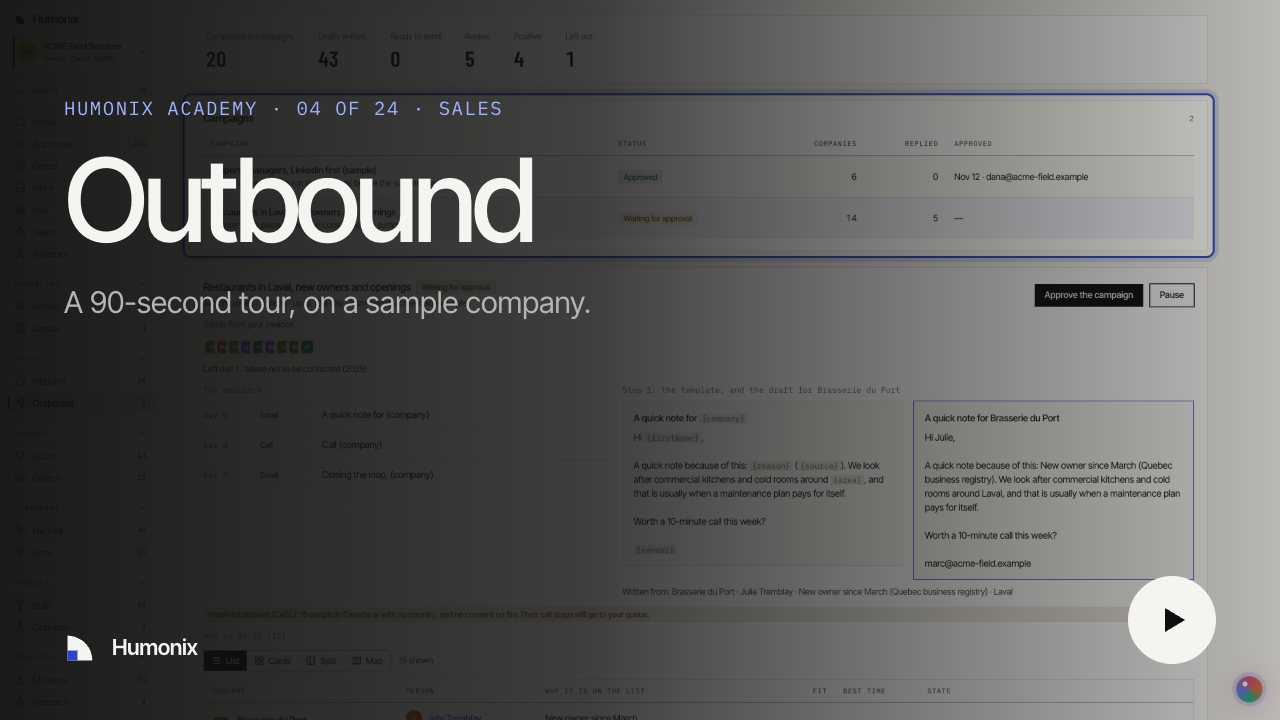
Watch it in 90 seconds

A short video on a sample company, with captions and a transcript: the job, what runs on its own and what waits for your yes.