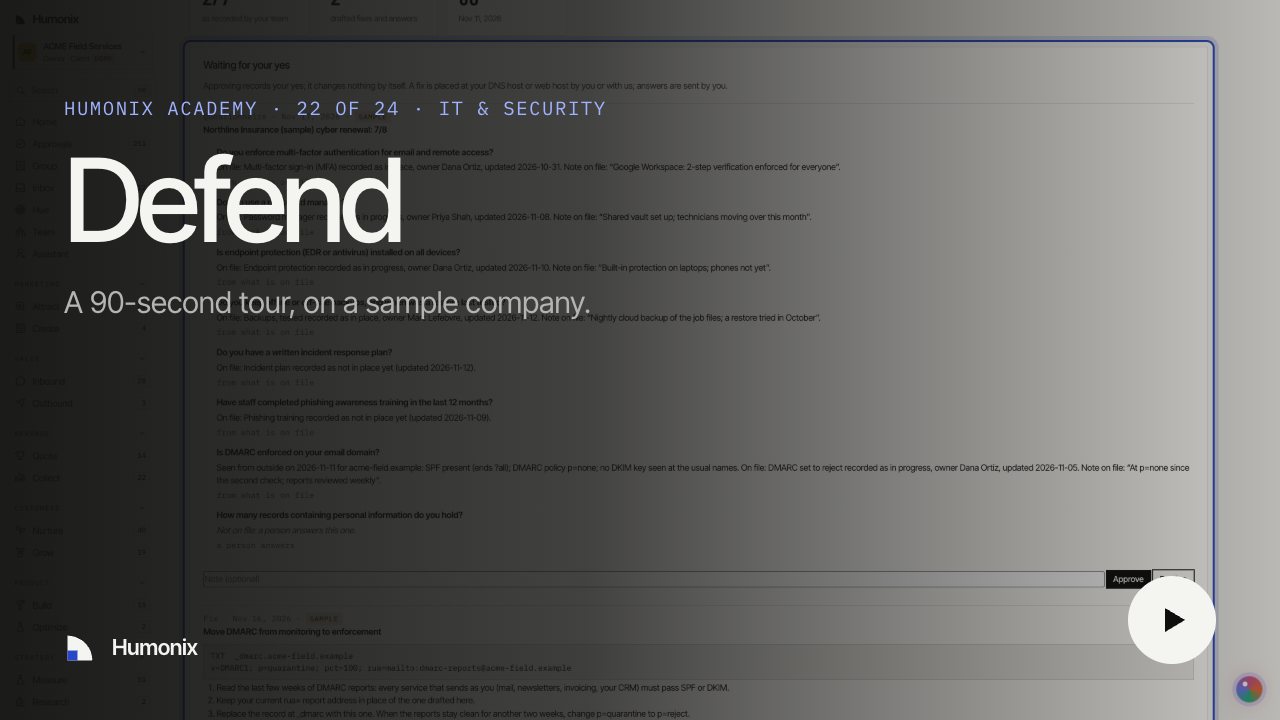
The fixes in place,
your team ready.
Every change waits for your yes.
The fixes put in place, your team trained to spot phishing, a response plan for the day something happens, and the records a client or an insurer asks for. Changes to your systems wait for your yes.
Your team · 11 features inside
IT & security · Defend · your team
Your team: five seats, one job.
The same five seats run every module, so every report reads the same way. You approve what goes out.
01 · Lead
Security coordinator
Turns findings into fixes and keeps the plan current
02 · Analyst
Risk analyst
Ranks open issues by what they could cost
03 · Makers
Fixer, phishing trainer, questionnaire writer
Prepare fixes, lessons and insurer answers
04 · Reviewer
Change check
Checks each change to your systems before your yes
05 · Operator
Operator
A person makes each approved change with you
Across every module
- Chief of staff (Hue) Reads every Lead’s plan, settles conflicts between modules and writes the one-page 7 AM brief
- Head of analytics One attribution truth, to the paid invoice, that every Analyst reads
- Compliance officer Consent, anti-spam rules, claims and voice policy; can veto any Reviewer’s pass
What you get each month
Loops that close, counted every month.
One module includes its team and 500 tasks a month, pooled across everything you buy. A task is one finished item; heavier items count for more.
Findings to fixes
- Counted
- fixes closed
- Judged on
- fewer open issues
Training
- Counted
- lessons
- Judged on
- phishing tests failed, down
Beyond the pool, packs of extra tasks under a monthly cap you set. We never promise a result: these are the measures we report against.
IT & security · Defend · what’s inside
Eleven features, one module.
5 live, 1 in early access, 5 coming. Open a card for what it does and what it connects to.
LiveEmail authentication fixes
SPF, DKIM and DMARC fixes in plain words, in the order to do them, each drafted as the record to add for your yes.
Connects to Public DNS
LiveProtections checklist
MFA, DMARC at reject, a password manager, phishing training, endpoint protection, backups and an incident plan, each with its status and owner, kept by your team.
Runs inside Humonix, nothing to connect.
LiveSpoofed-sender guard
Hue never answers an email on its own when the sender fails SPF, DKIM or DMARC; a person looks first.
Connects to GmailOutlook
Early accessTwo-step sign-in to the app
A second step at sign-in for everyone on your Humonix workspace.
Runs inside Humonix, nothing to connect.
ComingFixes put in place
A person places the DNS and email changes with you, each one after your yes.
Connects to Public DNS
ComingTwo-step sign-in for your team
Turned on for your team’s email and key accounts, one person at a time, with help for each.
Connects to Microsoft 365Google Workspace
ComingPassword manager
A shared password manager set up for your team, with the old passwords moved over.
Runs inside Humonix, nothing to connect.
ComingPhishing training
Short lessons and practice emails so your team learns to spot a phishing message.
Connects to Security partner (being chosen)
ComingIncident response
A response plan written with you, and the security partner coordinated on the day something happens.
Connects to Security partner (being chosen)
LiveSecurity runbooks
The steps for a phishing click, a mailbox taken over, a lost laptop and ransomware, in order, with the decisions left to a person; run and practised on Respond.
Runs inside Humonix, nothing to connect.
LiveInsurer and vendor questionnaires
An insurer’s or a client’s security questions answered from what is on file (your checklist, the latest check, your certificates); what nothing answers is left for a person.
Runs inside Humonix, nothing to connect.
Live: works today. Early access: built, switched on for you after a setup step or a provider’s review. Coming: planned, never sold as working. Anything that goes out waits for your approval.
Good to know
- Email authentication fixes (SPF, DKIM, DMARC) come from the security check today, in the order to do them.
- Training, the response plan and the insurer’s records arrive with the security partner Humonix is still choosing; they are marked coming until then.
- A person makes each change to your systems with you, after your approval.
One module (Defend) · $350/mo, the IT & security department (both modules) · $600/mo, all of Business in a box · $3,000/mo, or with Head of Digital, agents · $5,000/mo.
See pricing